
Shared when you accept
- Your profile name and photo, if you added one.
- Your completed verifications and their original dates.
- Your public Passport link, when it’s enabled.
Send a Chekkd request before a purchase or meetup. Review completed identity checks before you move forward.
Add a little context, then send the link in your conversation.
Verify someoneNo app download required. Sign in or create an account to respond.
“Verify someone,” “Get verified” and “Sign in” open the live app.
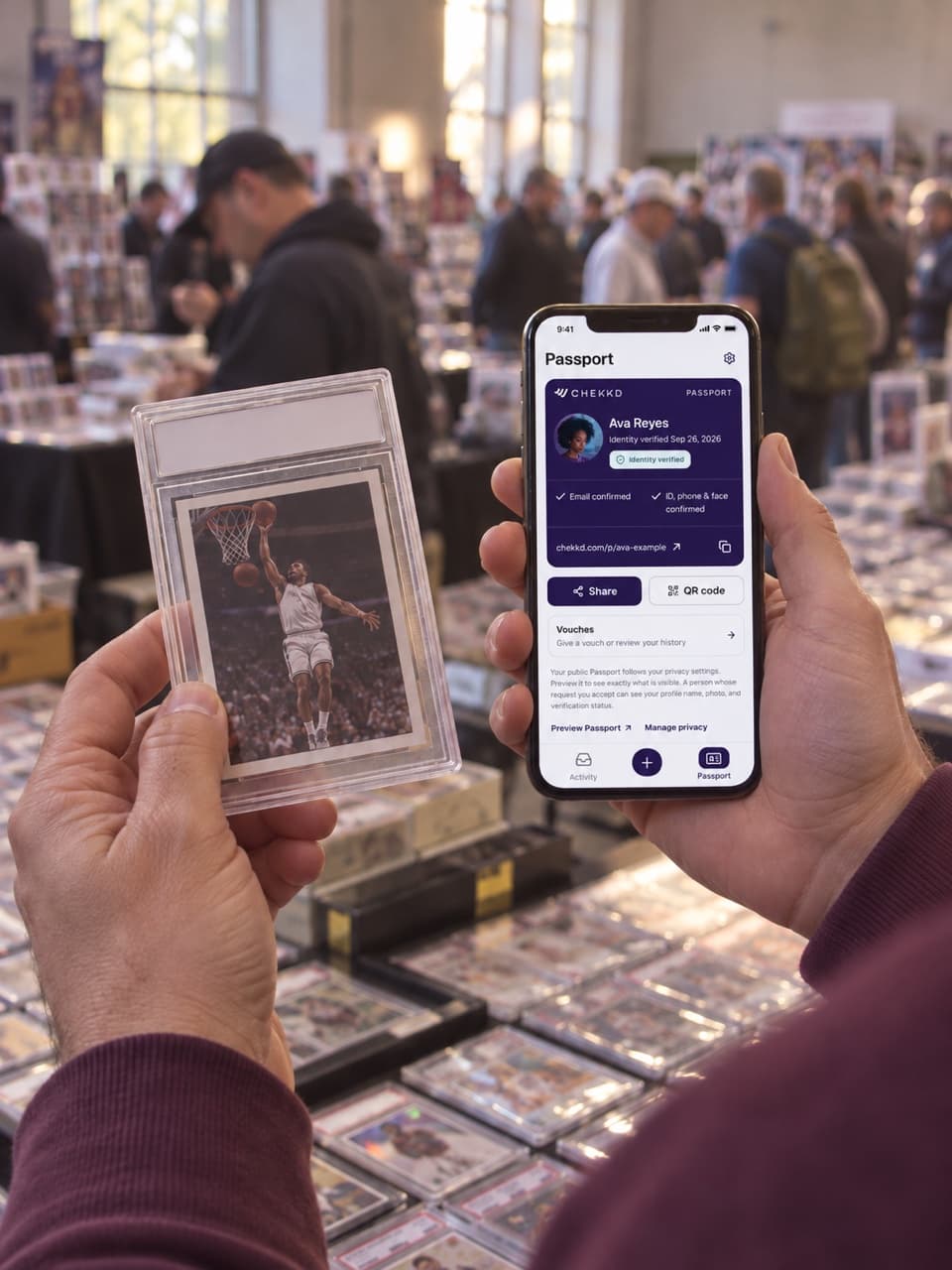
Keep the conversation where it is. Chekkd gives you a way to ask for identity checks before the purchase, introduction or meetup.
Add context so the other person knows why you’re asking. Copy the link, then send it in your conversation.
They sign in, complete any required checks or reuse active verification, then decide whether to accept.
See the information they agreed to share, with the original verification date. Decide for yourself whether to continue.

Identity checked · Sep 26, 2026
Your Passport brings completed checks together in one place. Keep the original verification dates visible, and manage what appears on your public Passport.
Review the request before you accept. Your public Passport has its own visibility settings.
An optional bank connection confirms account control. It isn’t proof of identity, available funds or a safe deal. A Chekk does not guarantee the person, item or outcome.
Understand a request before respondingA card trade, a local pickup, a first introduction. The situation changes; the need for clarity stays.
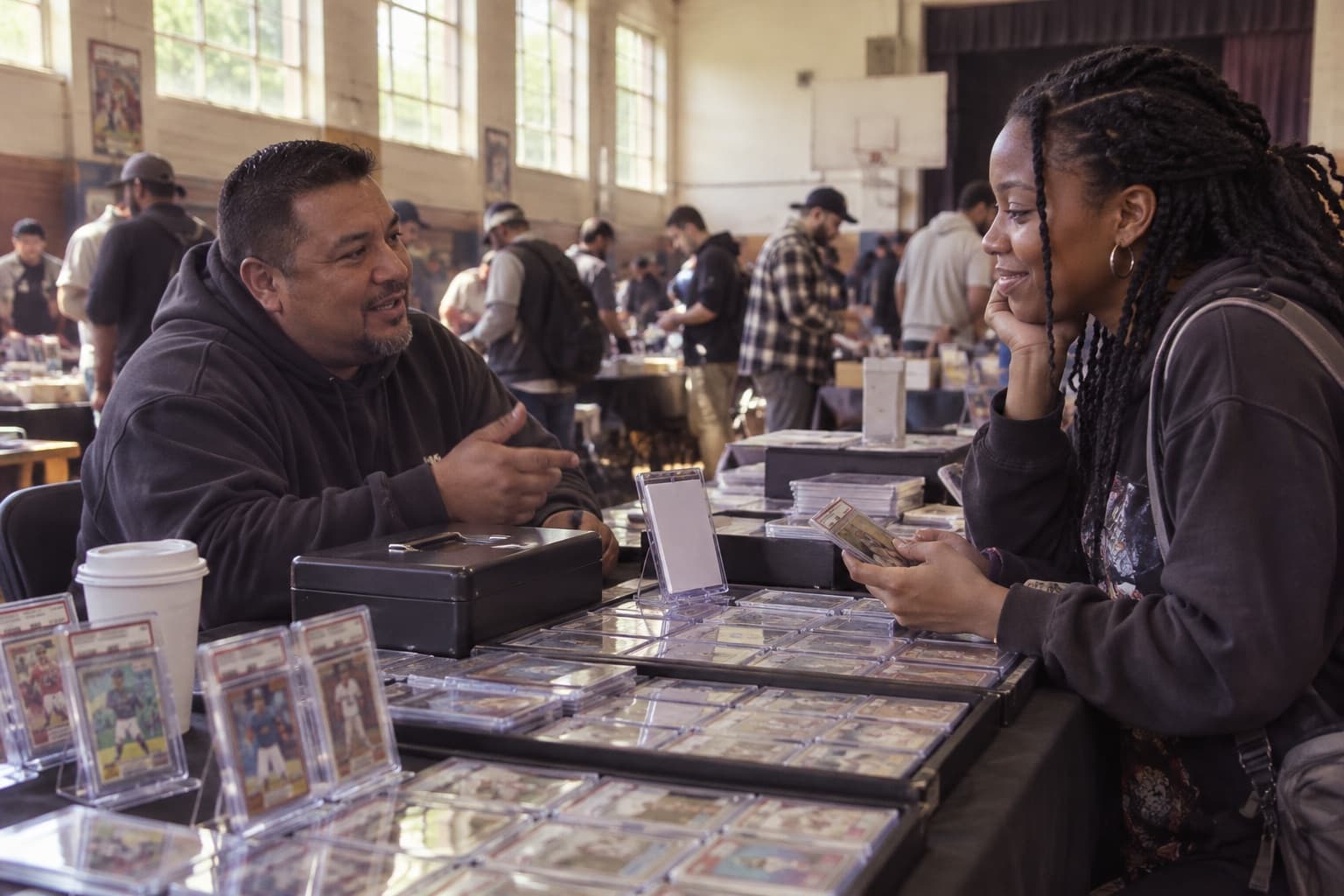
Ask who’s on the other side of the trade before the cards change hands.
Ask someone to verify
Make an identity check part of the conversation before the pickup.
Ask someone to verify
Ask your match to verify before you make plans to meet in person.
Ask someone to verify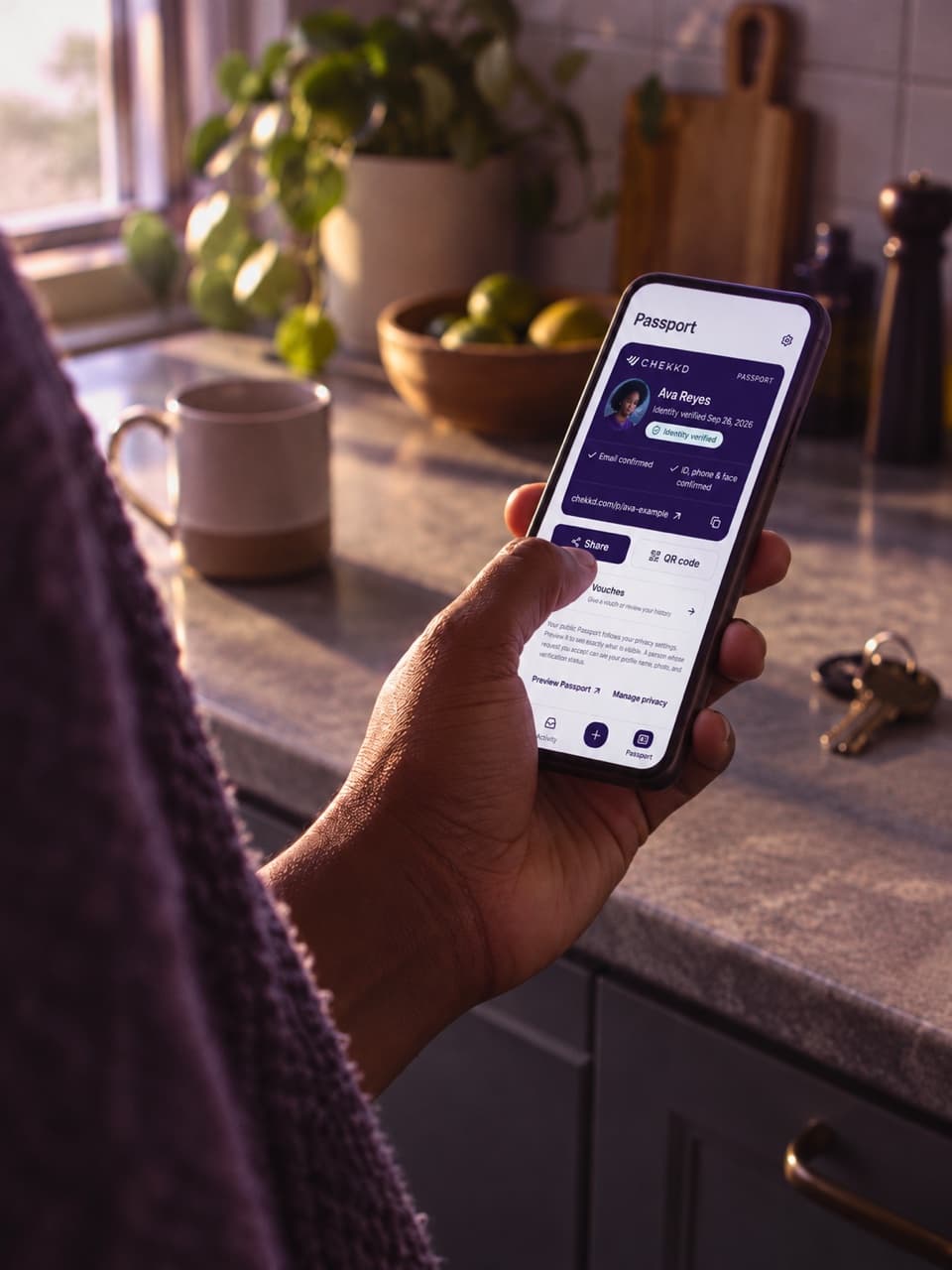
See who is asking, why they sent the request, and what accepting would share. You choose whether to respond.
Open the original link in your conversation when you’re ready. You can review the request before signing in.
Understand the requestIdentity verification uses Plaid for phone, photo-ID and liveness checks. Email, social and optional bank connections are separate signals. Connecting an account is not a guarantee of someone’s identity or intentions.
No. You can review a request in your browser. You’ll sign in or create an account before accepting and sharing your verification.
An active, completed identity verification can be reused. Its original verification date stays visible. If a required check is missing or no longer active, the request will guide you through it.
You can decline. The sender sees the request’s status, but a decline isn’t posted as a public review. You can also leave and return to the original link later.
No. Chekkd does not verify an item, hold a payment or guarantee how an exchange will turn out. Review the details, use a suitable payment method, and meet somewhere public.
Have your completed checks ready for the next introduction, meetup or handoff.
Opens the live Chekkd app.